Back to docs
Mailboxes
Mailboxes: Create, Manage, and Organize Senders
Understand what a mailbox represents in Cold Mail Server and how to use mailbox boundaries to organize sender identity, access, and operations.
Audience: All customersTime: 10-15 minutes
Updated April 2026
Before you begin
- At least one verified domain
Table of contents
1) What a mailbox is (and is not)
A mailbox is a sender identity unit, not just a row in a table.
- Each mailbox maps to a sending identity (for example, a rep, inbox, or campaign persona).
- Auth keys are issued per mailbox, so credentials can be isolated by sender context.
- Mailbox status determines whether that identity can currently send.
- Using separate mailboxes prevents one sender workflow from impacting all traffic.
Mailbox concept and boundaries
Capture mailbox list with annotations showing identity, status, and linked auth keys per mailbox.
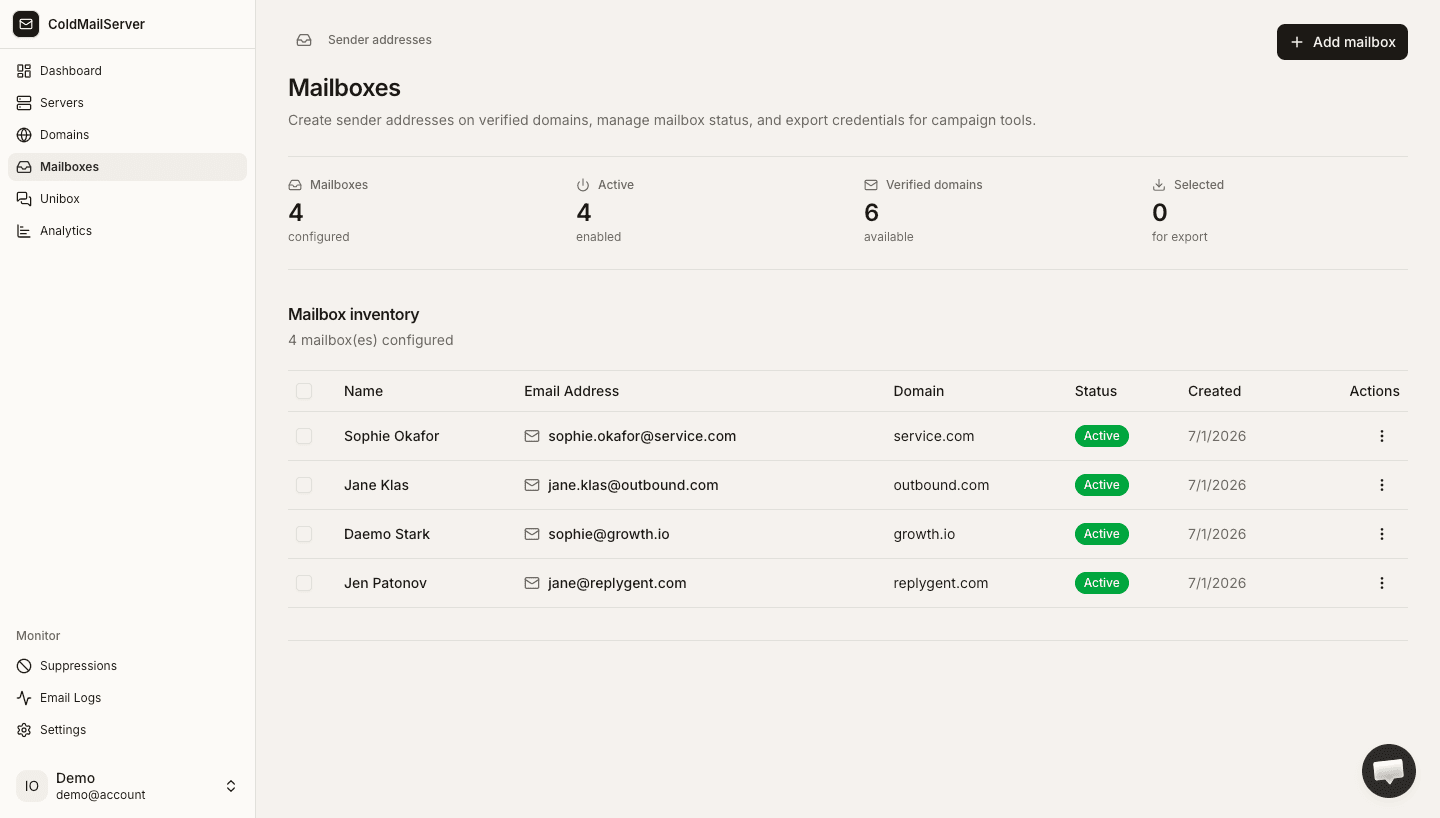
2) Create mailboxes
Mailbox setup is fast once a domain is verified.
- Open Mailboxes and click Add Mailbox.
- Enter mailbox name and select domain.
- Save and confirm mailbox appears as active.
- Use clear naming to identify campaign purpose.
Create mailbox form
Capture the add-mailbox modal showing mailbox name input and domain selector.
3) Manage active and inactive mailboxes
Use status toggles to control sender availability.
- Deactivate mailboxes not currently used.
- Reactivate when campaigns resume.
- Filter mailboxes by domain for easier management.
- Review mailbox list regularly for cleanup.
Mailbox table with status toggles
Capture mailbox list table showing status, domain, and action controls.