Back to docs
Email Logs
Email Logs: Track Delivery and Debug Campaigns
Use Email Logs to inspect sent and received messages, filter by status, and diagnose campaign issues quickly.
Audience: All customersTime: 10-15 minutes
Updated April 2026
Before you begin
- At least one sent or received message
Table of contents
1) Filter and search messages
Filtering is the fastest way to isolate issues.
- Filter by Sent or Received direction.
- Filter by status to focus on failures or bounces.
- Search by subject, sender, recipient, or message ID.
- Save common filter patterns for daily checks.
Email logs filters
Capture logs table with direction/status filters and search field in use.
2) Open message details
Message details provide context for troubleshooting.
- Open a message row to view full detail.
- Review sender, recipient, and timestamps.
- Inspect headers for technical diagnostics when needed.
- Compare content with expected campaign template.
Message details drawer or modal
Capture opened message details showing metadata, headers, and body sections.
3) Turn logs into action
Use patterns from logs to improve campaign quality.
- Pause campaigns with recurring failure patterns.
- Review domain and mailbox setup for impacted sends.
- Adjust sending limits if volume spikes correlate with failures.
- Share message IDs with support for faster investigations.
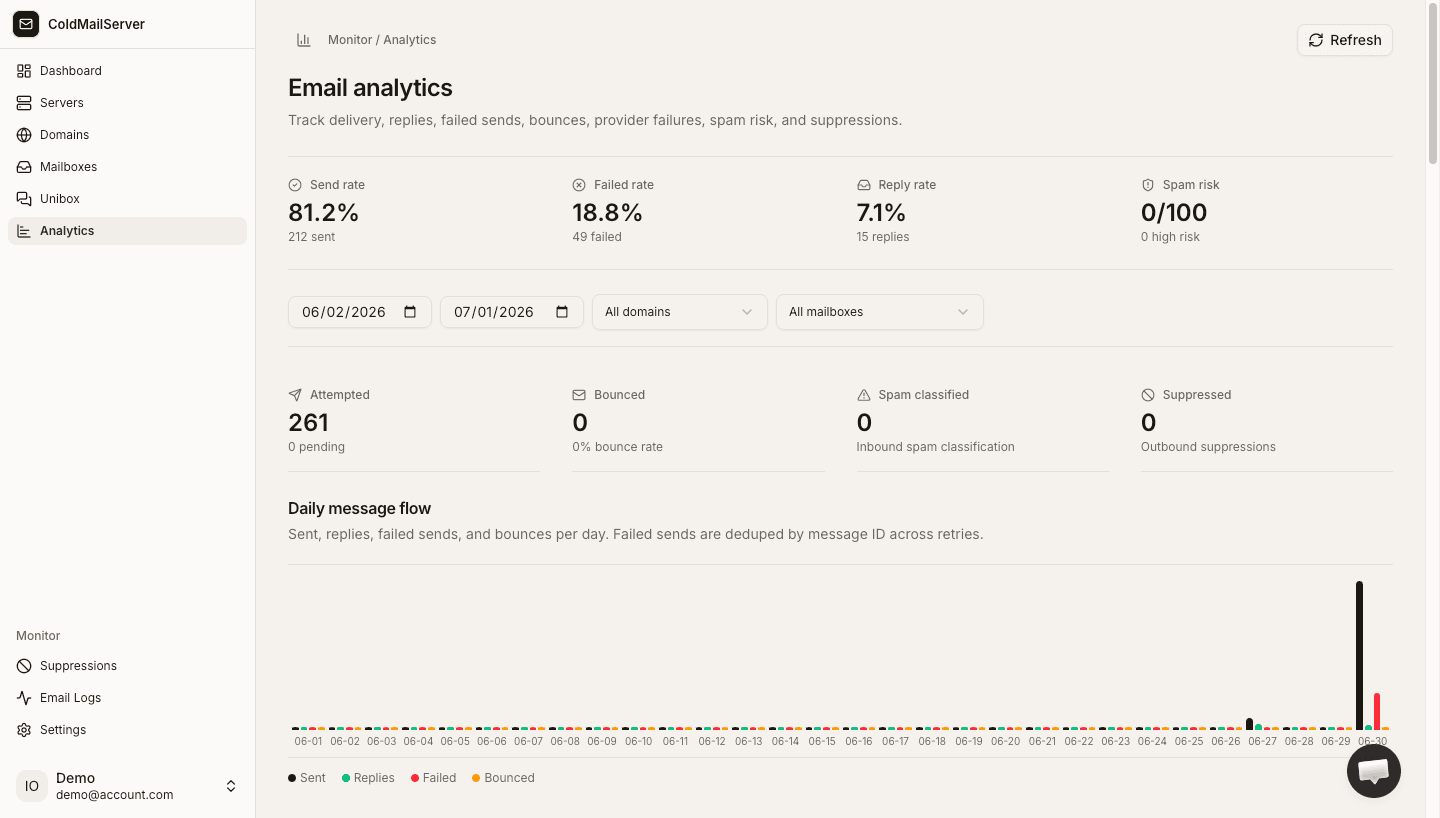
Status trend review
Capture a log view where failed items are grouped and action decisions are clear.