Back to docs
Campaign Operations
Campaign Preflight Checklist
Run this checklist before launching any campaign to reduce mistakes and improve delivery stability.
Audience: Operators and campaign managersTime: 5-10 minutes
Updated April 2026
Table of contents
1) Domain and mailbox readiness
Start by confirming the sending foundation.
- Domain status is verified and sending is enabled.
- Daily and hourly limits are appropriate for launch volume.
- Selected mailboxes are active.
- Mailbox auth key used by sending app is active and correctly configured.
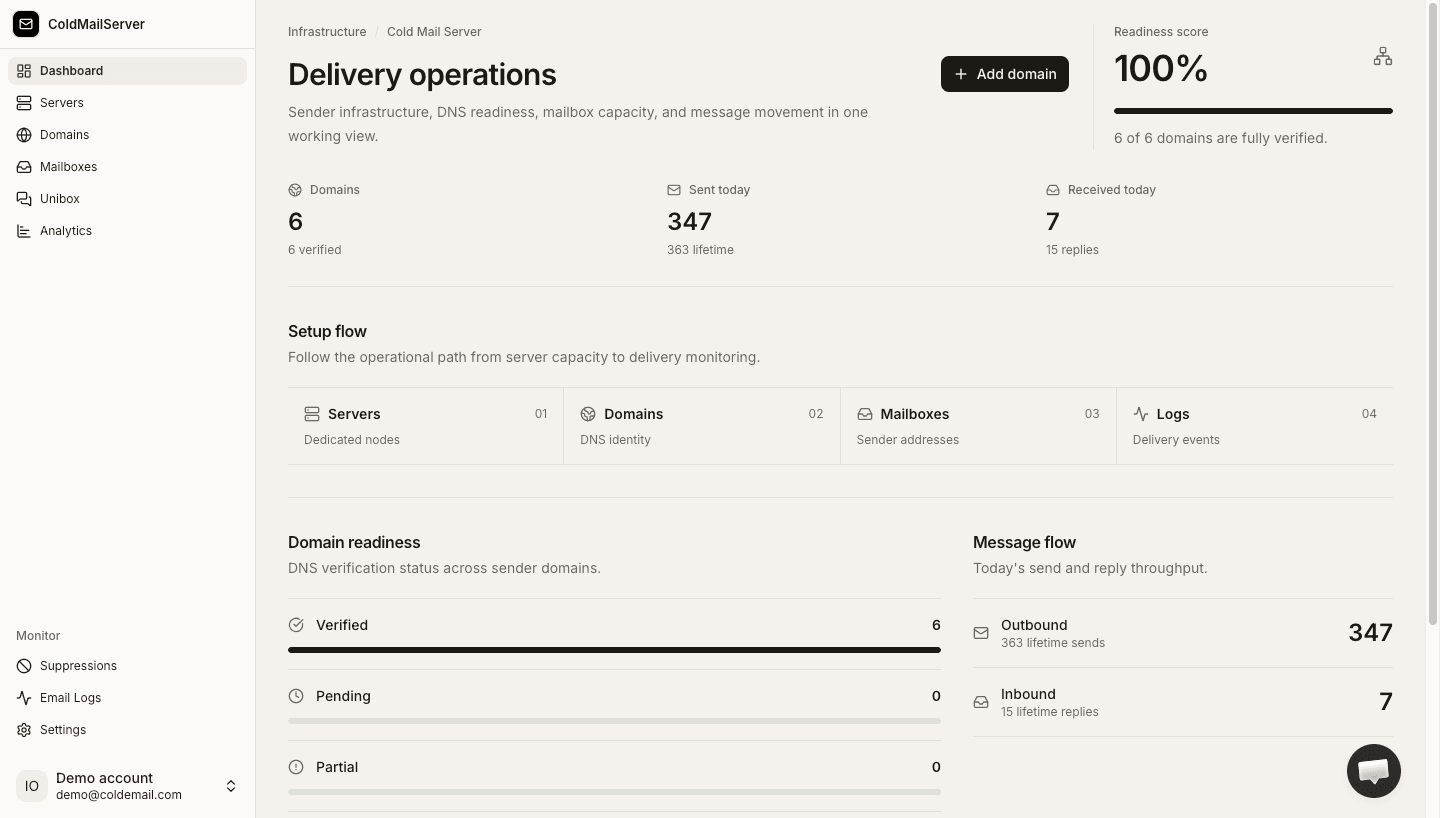
Preflight readiness checks
Capture domain settings, mailbox status, and key status screens used during preflight.
2) Post-launch monitoring plan
A launch is only complete with monitoring in place.
- Open Email Logs during initial send window.
- Watch for failed or bounced status spikes.
- Pause quickly if error patterns appear.
- Document observations for next campaign iteration.
Launch monitoring workflow
Capture log filters and views used in the first 30-60 minutes after launch.