Back to docs
Troubleshooting
Troubleshooting Common Product Issues
Fix the most common product usage issues without technical server knowledge.
Audience: All customersTime: Reference guide
Updated April 2026
Before you begin
- Account access
Table of contents
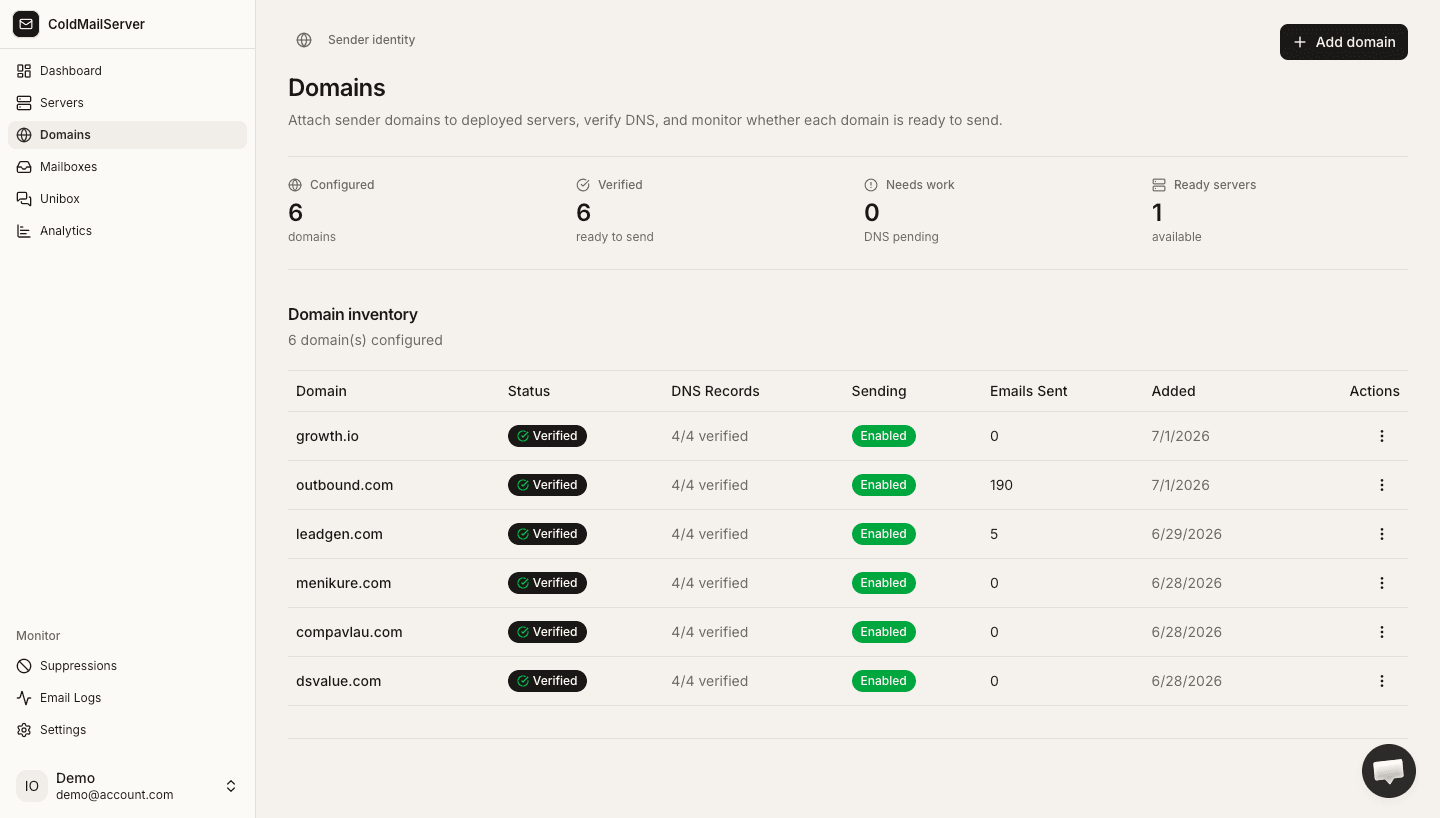
1) Domain stuck on pending verification
Usually caused by DNS record mismatch or propagation delay.
- Open domain DNS tab and recopy values exactly.
- Confirm records are saved in your DNS provider.
- Wait for propagation and retry Verify DNS.
- Check for duplicate SPF TXT records.
Pending verification fix flow
Capture pending status, DNS records tab, and verify button flow.
2) Email not sending
Most send failures are credentials, limits, or disabled status.
- Confirm domain sending is enabled.
- Confirm mailbox is active.
- Confirm mailbox auth key is active and correctly copied in your sending app.
- Check Email Logs for specific failure statuses.
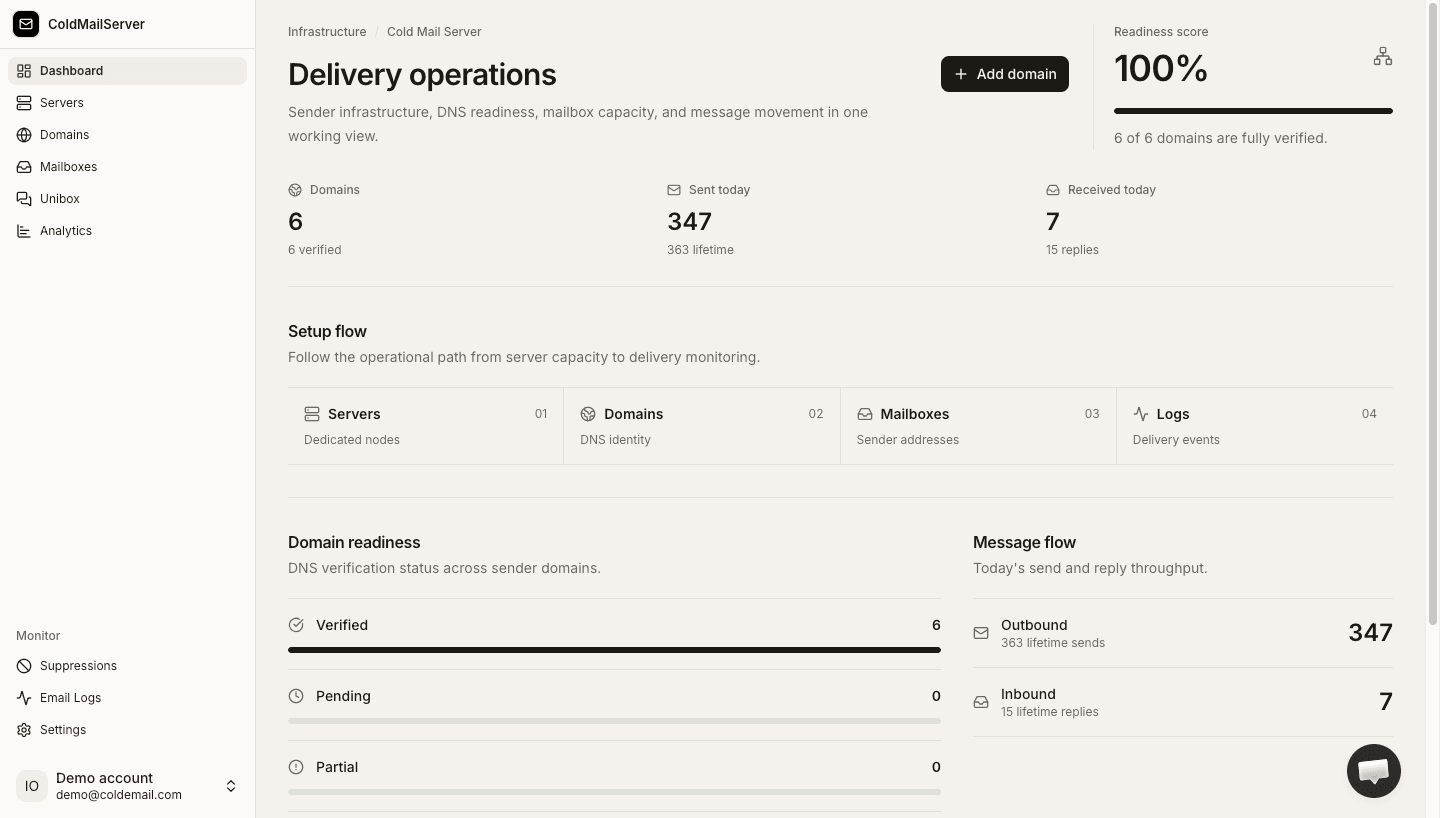
Send failure checklist
Capture domain settings, mailbox status, key status, and logs in one troubleshooting sequence.
3) Logs are empty or missing expected activity
Usually filter-related or workspace-context related.
- Check workspace and date range context.
- Reset filters to view all message types.
- Search by exact sender/recipient used in test.
- Retry a controlled test send and refresh logs.
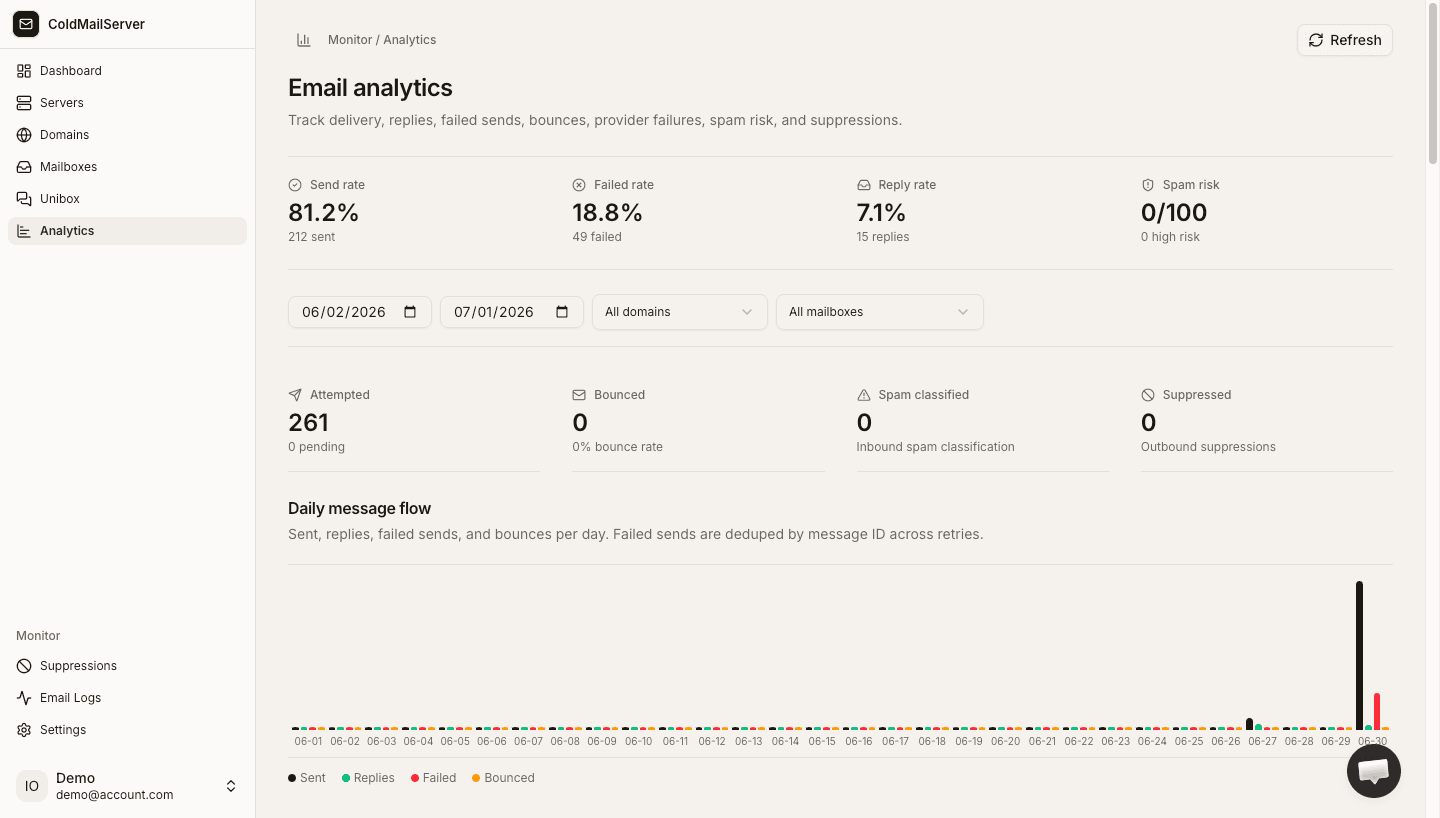
Log filtering troubleshooting
Capture filter controls and show how to reset to default all-results view.
4) When to contact support
Escalate quickly when in-app fixes do not resolve the issue.
- Include workspace name and domain affected.
- Include message IDs from logs.
- Include screenshots of statuses and settings pages.
- Describe steps already taken from this guide.
Support escalation template
Add a screenshot/template of the recommended support request format.